

Help shape upcoming features
Join active user testing studies and share feedback on in-progress workflows.
What is Speckle?
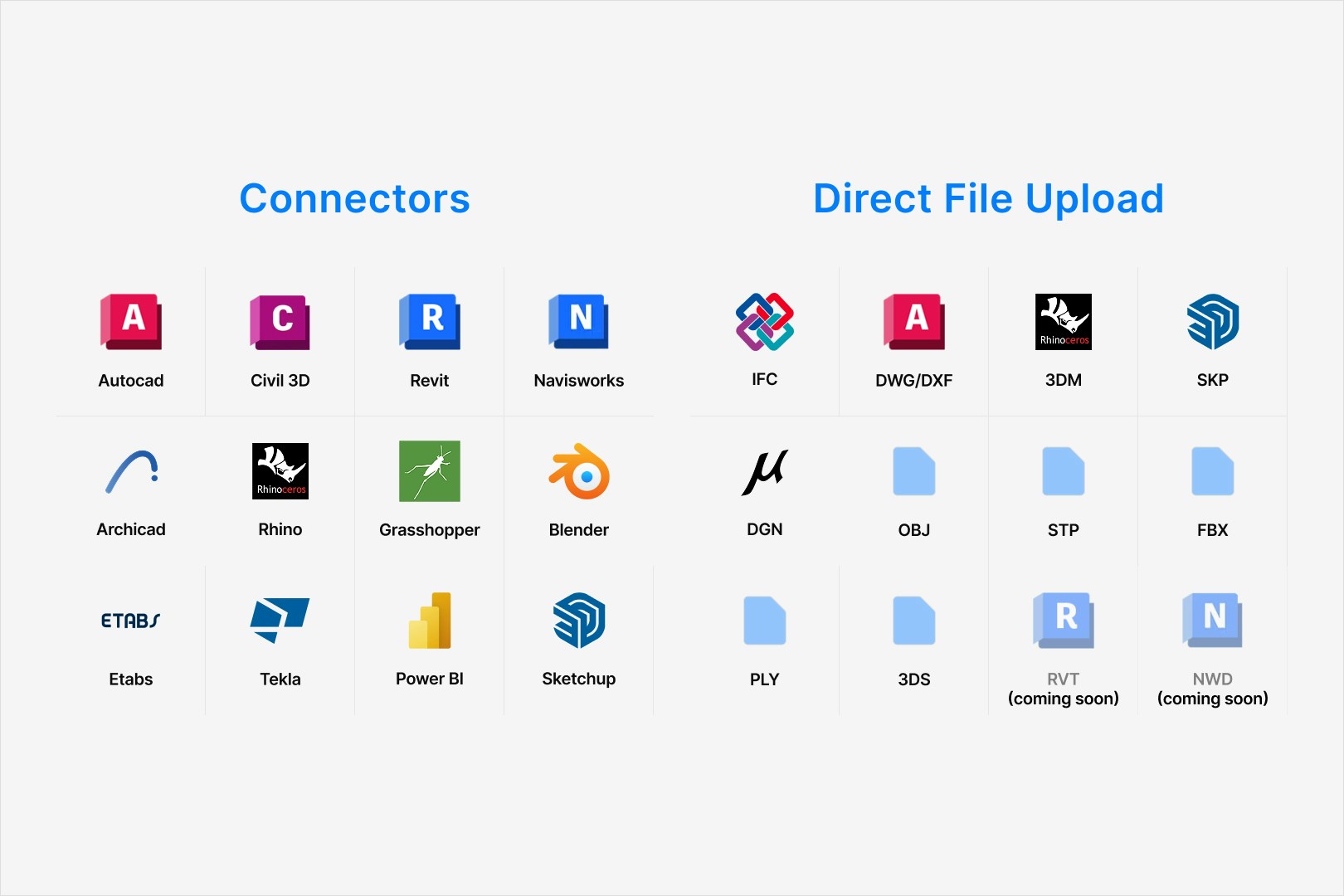
Speckle connects design tools so you can publish, view, share, and analyze model data with your team. Use connectors to publish from your design software, or upload a supported file to view it in your browser.Why use Speckle?
- Exchange model data between tools such as Revit, Rhino, Grasshopper, and Power BI.
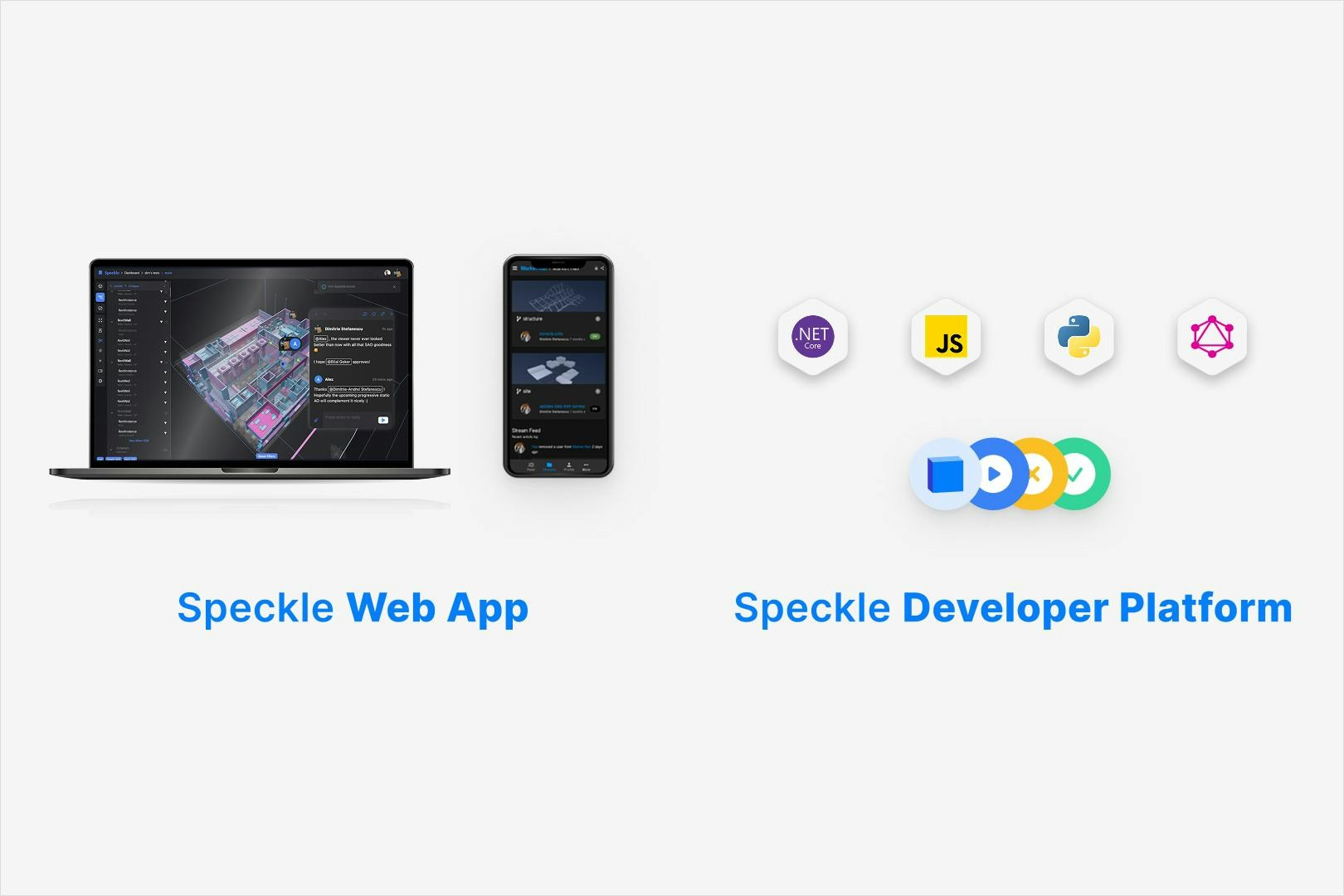
- Review models together in the web viewer, with version history and comments.
- Analyze properties with dashboards or your own scripts.
- Build integrations with Speckle’s APIs and SDKs.
How Speckle works
Connectors are plugins for your design software. They publish geometry and properties to Speckle, where your team can view the model and work with its data.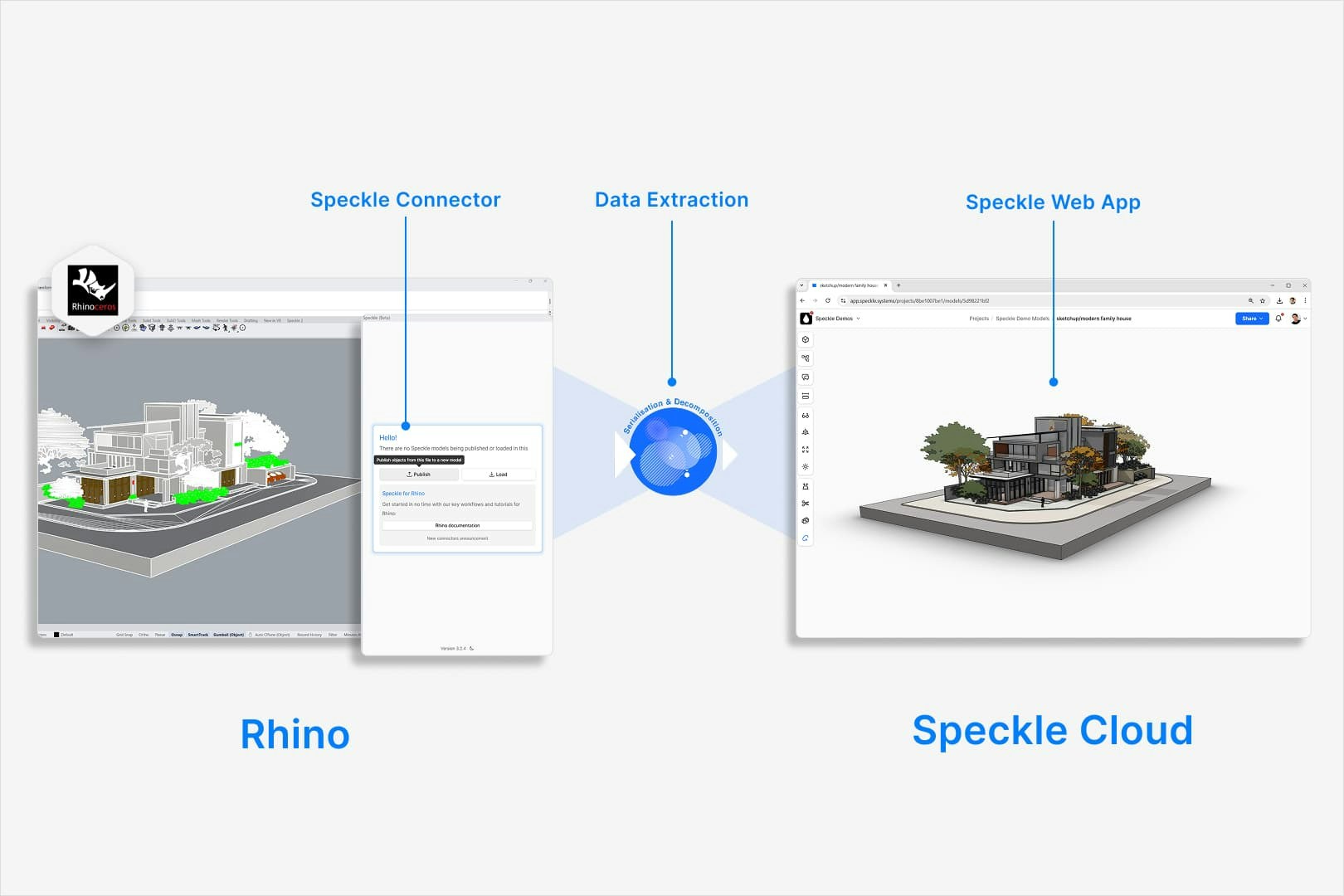
What you can do with Speckle
- Exchange designs: share selected model data across disciplines.
- Analyze models: use Intelligence Dashboards or the Power BI connector.
- Review models: share a viewer link, compare versions, and discuss objects with your team.
- Build custom tools: use the APIs and SDKs to create apps, integrations, and automations.
Next steps
- Get started: Head to the Quickstart guide to set up your first workspace and project.
- Find answers: Browse the Frequently asked questions for common issues and tips.
- Explore tutorials: Visit our Tutorials page for workflow examples.