

What is a workspace?
In 2026.9, user settings are in the workspace switcher, not a top-right avatar. Open the workspace
name at the top of the left sidebar, then select your name. See Open user
settings.
Start on the workspace home page
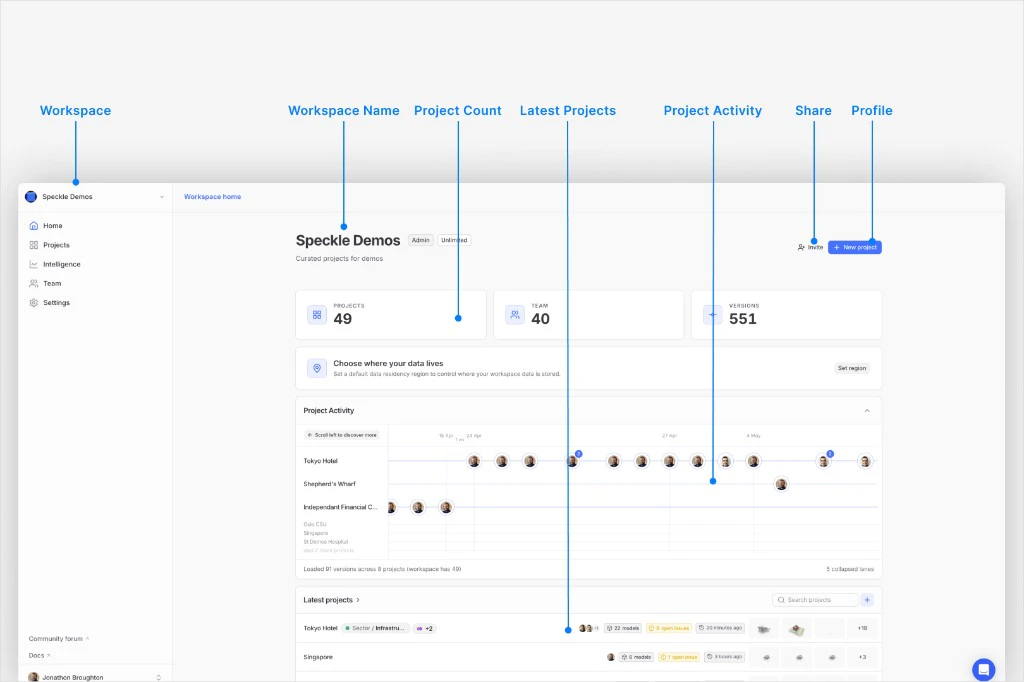
Workspace sidebar, summary cards, project activity, and latest projects
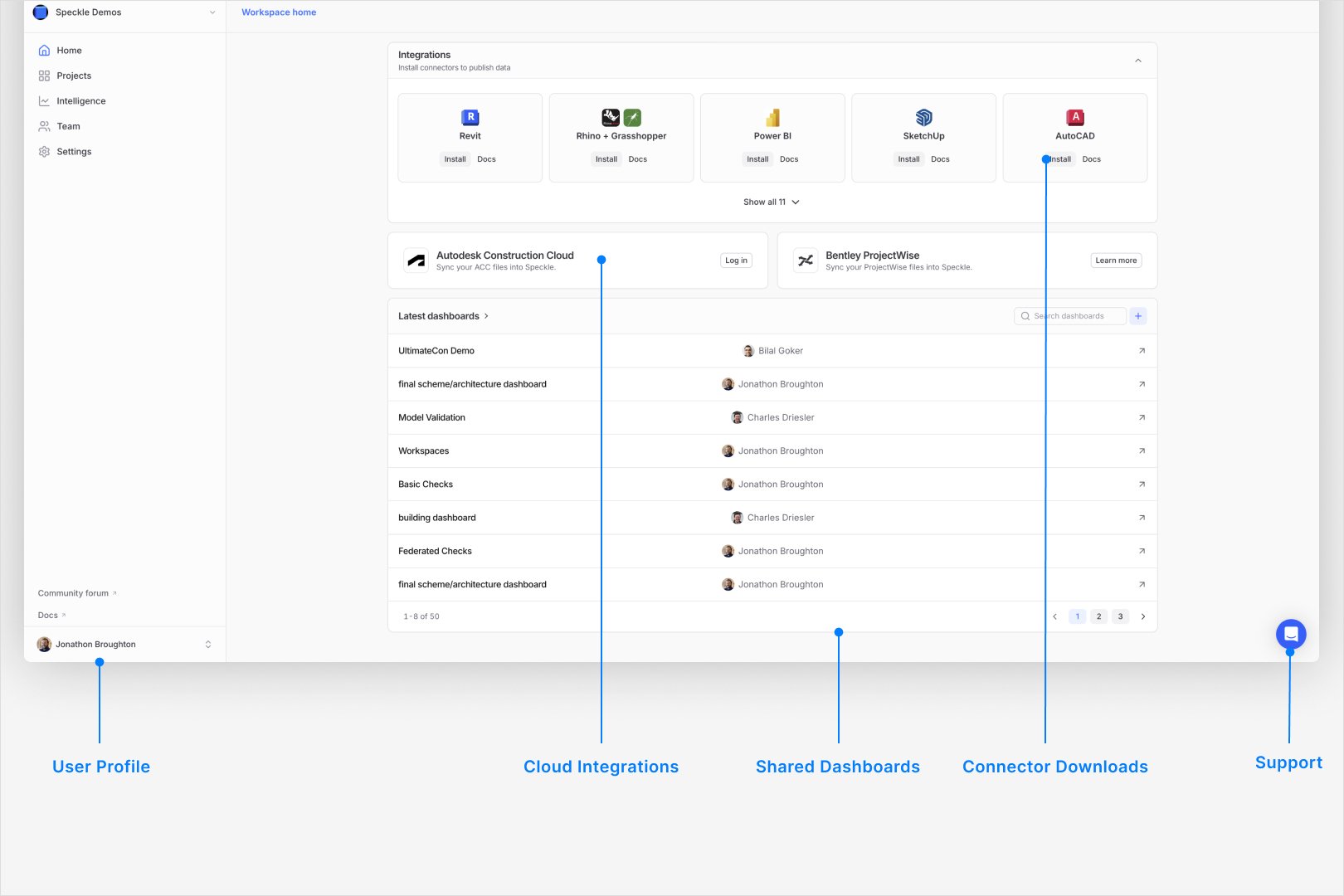
Integrations, cloud integrations, and dashboards on workspace home
Navigate the main areas
From the workspace home page:Home
Quick status view for recent activity across the workspace.
Projects
Create and manage project containers and access boundaries.
Intelligence
Open workspace-level reporting and dashboard views.
Team
Manage workspace users, invites, and access posture.
Settings
Manage security, access rules, and workspace settings.
Choose where to go next
Use the page that matches your next decision:Projects
Access boundaries and project-level collaboration.
Configuration
Workspace and project settings map.
Models
Model structure and publishing organization.
Roles and permissions
Workspace and project access control.